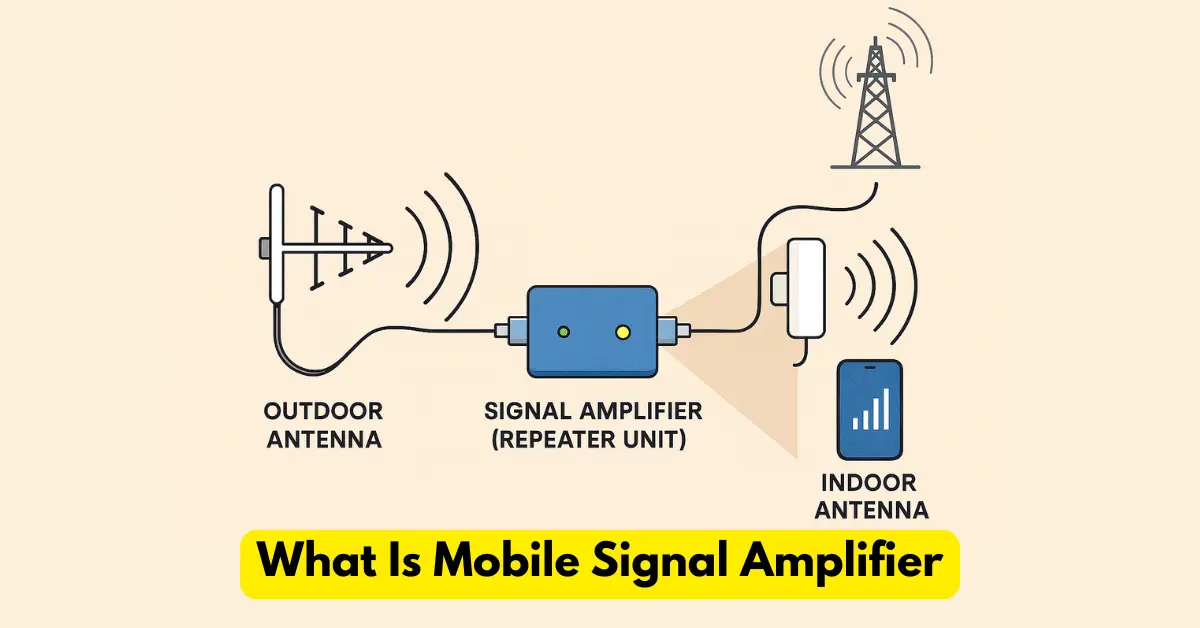
In today’s connected world, staying online is no longer optional—it’s a daily necessity. Whether we’re working from home, talking to loved ones, attending online classes, or simply browsing the internet, a strong and stable mobile signal plays a major role.
However, weak signal issues like call drops, slow browsing, or poor voice clarity still happen more often than they should.
Many people turn to mobile signal boosters for help, but these devices are not always practical, affordable, or legal. The good news is that you can improve your mobile signal without using any booster. With a few smart adjustments and techniques, you can significantly enhance your signal strength and enjoy a much better mobile experience.
This guide explains proven, effective, and easy-to-follow methods to help you boost your network strength naturally.
1. Optimize Your Location
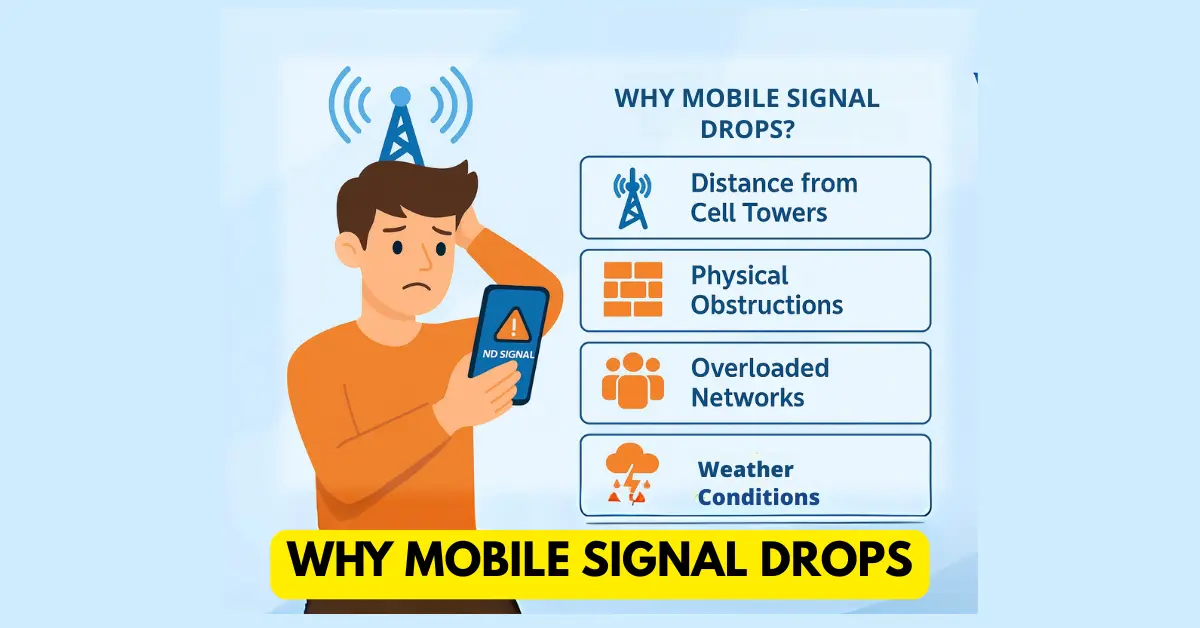
Where you use your phone plays a huge role in how strong or weak your signal is. Mobile signals can get blocked or weakened by obstacles around you.
Why Location Matters
Mobile signals lose strength when passing through:
-
Thick concrete walls
-
Metal doors or frames
-
Glass windows with reflective coating
-
Basement or underground structures
If you’re inside a building, the signal may already be weak outside — and once it passes through these barriers, it becomes even weaker.
What You Can Do
-
Move closer to a window: This reduces the physical barriers between your phone and the nearest cell tower.
-
Open the window: Even a partially open window can allow signals to enter more freely.
-
Move to a higher floor: Higher floors usually receive better signals because there are fewer obstructions.
-
Go outdoors: If you’re inside a basement or a ground-floor room, stepping out can instantly improve signal reception.
Making small adjustments in your physical location often boosts your network bars immediately.
2. Adjust Your Phone’s Settings
Your smartphone comes with built-in network settings that influence how it connects to towers. Adjusting these settings can help improve weak signals.
Use Airplane Mode to Refresh Signal
When your mobile gets stuck trying to connect to a weak tower, toggling Airplane Mode forces it to disconnect and reconnect to a stronger one.
It resets your phone’s connection and allows it to search for the strongest signal available.
How to do it:
-
Turn ON Airplane Mode
-
Wait 10–15 seconds
-
Turn it OFF
Your phone will connect to a better tower after the reset.
Reset Network Settings
Sometimes network settings get corrupted or misconfigured, leading to weak signals or frequent disconnections.
Resetting network settings restores everything to default and gives your phone a fresh start.
On iPhone:
Settings → General → Reset → Reset Network Settings
On Android:
Settings → System → Advanced → Reset Options → Reset Wi-Fi, Mobile & Bluetooth
This will erase saved Wi-Fi passwords and Bluetooth pairings, so reconnect them later.
Switch to 3G or 2G in Low-Coverage Areas
If 4G or 5G signals are weak in a particular area, your phone may constantly struggle to hold the connection, causing call drops or slow browsing.
Switching to 3G or 2G can give you a more stable connection for calling.
How to change network mode:
Settings → Mobile Network → Preferred Network Type → Choose 3G or 2G
This helps especially in rural or remote areas.
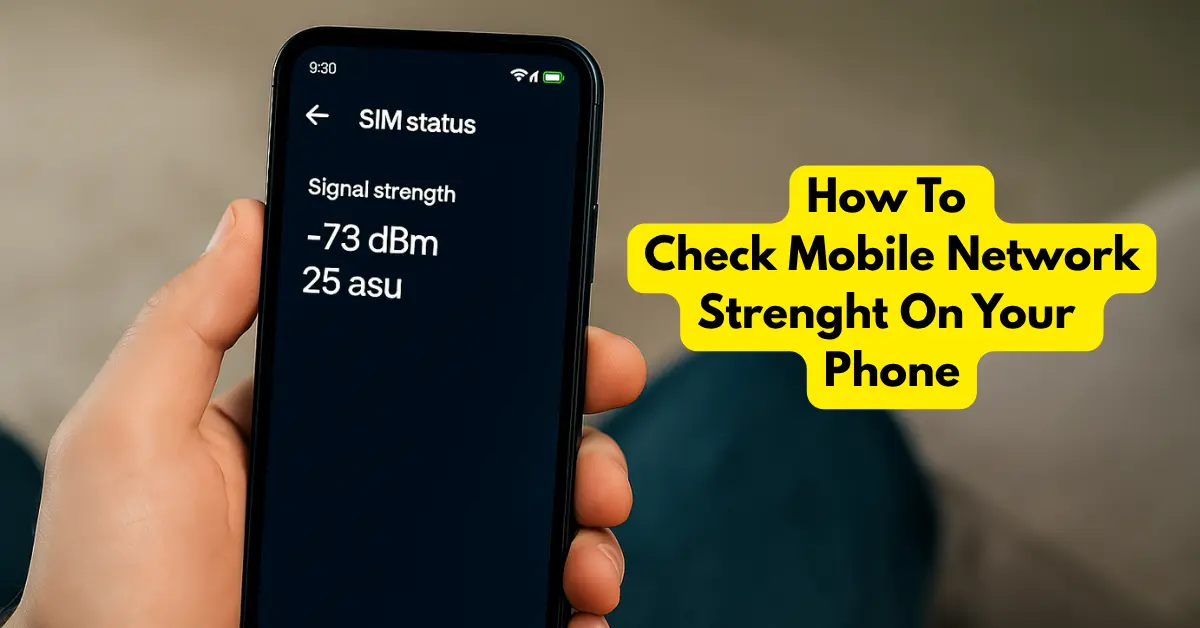
Read More: How To Check Mobile Signal Strenght
3. Optimize Your Phone’s Position
The way you hold or place your phone can also affect signal strength.
Hold Your Phone Properly
Your phone has internal antennas located at the top, bottom, or sides. Gripping the phone too tightly or covering the antenna areas can block signal reception.
To avoid this:
-
Hold the phone lightly
-
Avoid covering the top and bottom sections
-
Try switching to speaker mode if needed
This small adjustment can surprisingly improve signal clarity.
Use a Signal-Enhancing Case
Some phone cases are designed with materials or built-in antennas that help improve reception. While they won’t match the power of a full booster, they can still provide a small, helpful boost in low-signal zones.
Look for cases specifically labeled as signal-enhancing or antenna-boosting.
4. Manage and Reduce Interference
Many electronic devices and home appliances create electromagnetic interference that weakens your mobile signal without you even noticing.
Minimize Electronic Interference
Devices like:
-
Microwaves
-
Bluetooth devices
-
Cordless phones
-
Wi-Fi routers
-
Smart TVs
…can disrupt mobile signals when you’re too close to them.
Keep your phone away from such devices during calls or when using mobile data.
Turn Off Unnecessary Connections
Your phone’s background connections can interfere with its ability to maintain a strong mobile signal.
Turn OFF when not in use:
-
Bluetooth
-
NFC
-
Wi-Fi (if you’re using mobile data)
-
Hotspot
This helps your phone prioritize mobile network reception.
5. Use Wi-Fi Calling
Wi-Fi calling is one of the most effective ways to handle weak mobile signal indoors.
Instead of relying on mobile towers, Wi-Fi calling routes your calls and texts over your Wi-Fi network. This means you can enjoy clear voice calls even with low mobile signal.
How to Enable Wi-Fi Calling
iPhone:
Settings → Phone → Wi-Fi Calling
Android:
Settings → Network & Internet → Mobile Network → Advanced → Wi-Fi Calling
If you have a strong Wi-Fi connection, this single feature can completely eliminate indoor call problems.
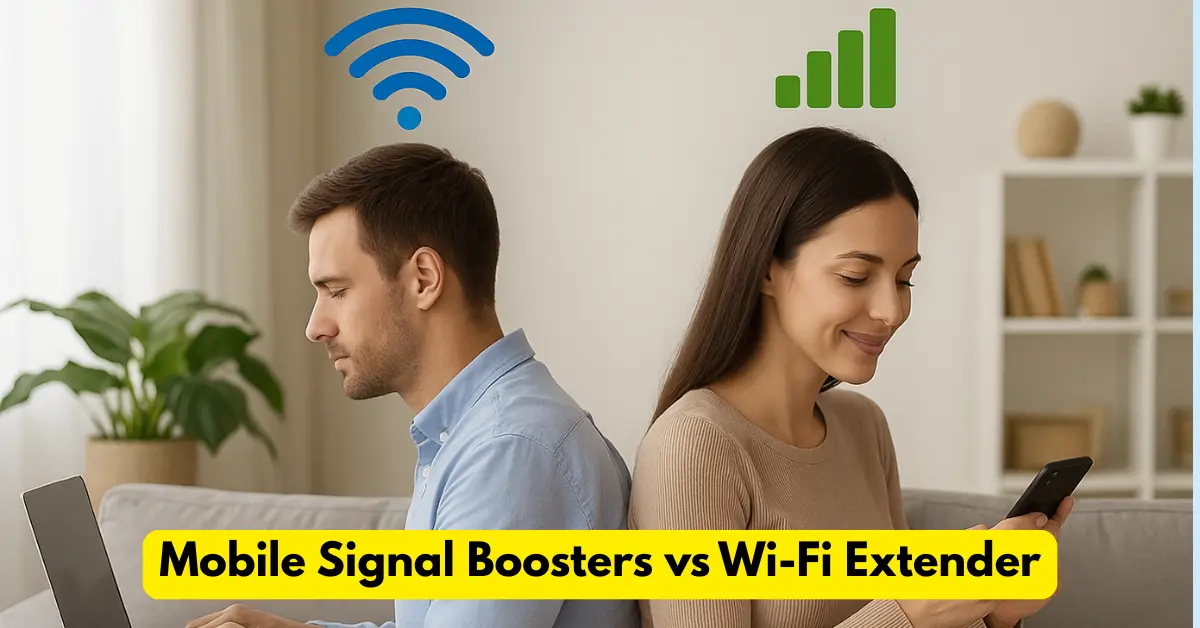
Read More: – Mobile Signal Boosters VS WI-FI Extenders
Use Internet-Based Calling Apps
Apps like:
-
WhatsApp
-
Skype
-
Viber
-
Facebook Messenger
…let you make voice and video calls using only the internet.
This reduces your dependency on mobile towers, especially in low-signal areas.
6. Explore Carrier-Based Solutions
Sometimes the issue lies with your mobile provider, not your phone. Most carriers offer tools and solutions to improve connectivity.
Request a Femtocell or Microcell
These small devices act like mini mobile towers inside your home. They route your signal through your home Wi-Fi network.
You can request one from your carrier if your home consistently has poor coverage.
Note:
They may require a stable broadband connection and sometimes come with additional costs.
Report Signal Issues
Carriers rely on customer reports to identify weak coverage locations.
You can:
-
Call customer care
-
Use their mobile app
-
Mark weak-signal locations
Over time, this helps them fix tower-related issues in your area.
7. Upgrade to a Better Phone
Older smartphones may not support newer frequency bands, especially modern 4G and 5G bands. This can lead to weaker reception.
Why Upgrading Helps
Newer phones come with:
-
Better antennas
-
Multi-band support
-
Improved modem technologies
-
Stronger signal optimization
If your area recently got 4G or 5G upgrades, using an outdated phone may limit your signal reception.
Before upgrading, check that your new phone supports your carrier’s bands.
8. Check for Network Outages – Boost Mobile Signal Without a Booster
Sometimes weak signal is not your fault at all — your carrier may be facing temporary outages or maintenance.
How to Check
-
Visit your carrier’s website
-
Use their mobile app
-
Check over Outage sites like DownDetector
If there is a legitimate outage, you won’t need to troubleshoot unnecessarily.
9. Try a DIY Signal Reflector
While not always guaranteed, some people use simple household materials like aluminum foil to help focus the signal toward their phone.
You can try:
-
DIY aluminum reflector
-
A small metallic sheet behind your phone
Results vary, but it’s an interesting and sometimes effective experiment.
10. Monitor Signal Strength Using Apps
Understanding your signal helps you fix it better. Apps can show:
-
Signal strength (in dBm)
-
Nearby cell towers
-
Coverage quality
-
Interference sources
Popular apps include:
-
OpenSignal
-
Network Cell Info Lite
These can help you find the best spot in your home for signal.
11. Switch Your Carrier (If Nothing Helps)
If you consistently face weak signal no matter what you try, the real issue may be your carrier’s coverage in your area.
What You Can Do
-
Check coverage maps of other carriers
-
Try a prepaid SIM card to test the network
-
Ask neighbors which carrier works best
Sometimes switching providers is the simplest and most effective solution.
12. Keep Your Phone Updated
Software updates often improve:
-
Network performance
-
Modem compatibility
-
Carrier settings
Regular updates ensure your device stays compatible with the latest signal technologies and frequencies.
Always check:
Settings → System → Software Update
If these thing not work then try Mobile Signal Booster.
Read More:- What Is A Mobile Signal Amplifier?
Conclusion
Boosting your mobile signal without a booster is completely possible — you just need to understand what affects signal strength and adjust things accordingly. Whether it’s your location, phone settings, interference around you, or even your device age, small improvements can make a big difference.
While these methods may not match the power of a professional signal booster, they can significantly enhance your overall mobile experience — especially in places where boosters are not allowed or just too costly.