
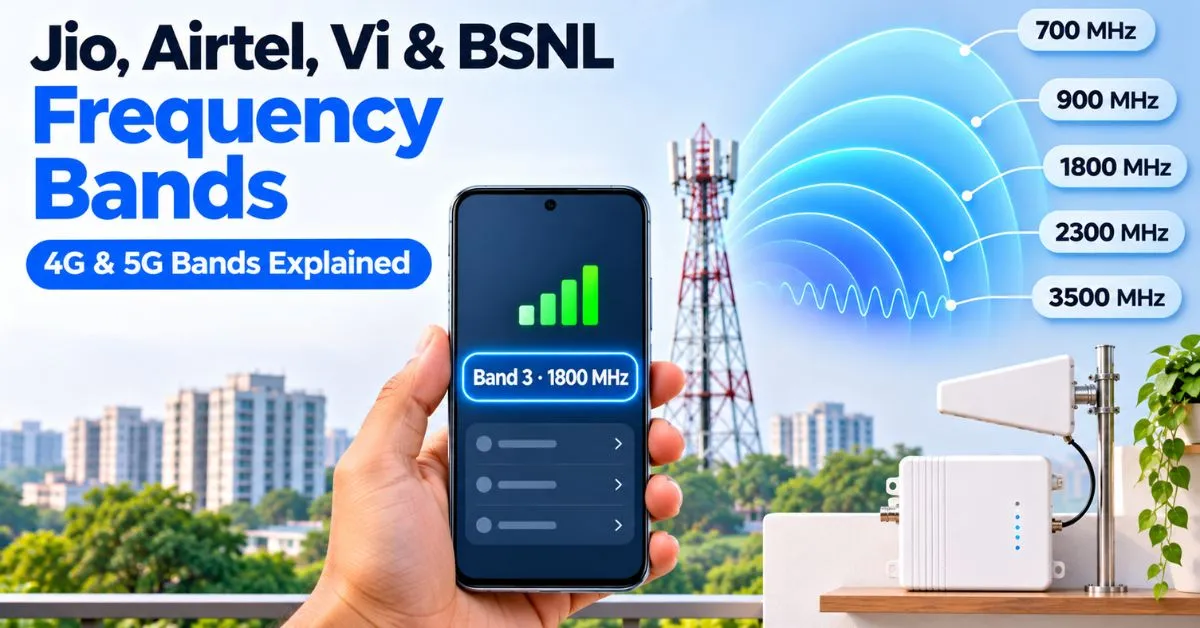
Weak signal indoors, muffled calls and slow mobile data are everyday problems in Indian homes and offices. This happens because concrete walls, glass facades and distance from the tower all weaken the signal before it reaches your phone. A mobile signal booster can fix this, but only if it supports the frequency bands your operator uses. However, if you buy one for the wrong bands, you’ll see no improvement at all.
Jio, Airtel, Vi and BSNL each use a different mix of frequency bands for 2G, 4G and 5G. This guide explains what the bands mean, lists the bands each operator uses, shows how to check which band your phone is on, and explains what that means when you choose a booster.
Why Frequency Bands Matter for Signal Boosters
A signal booster captures the outdoor signal with an outdoor antenna, amplifies it and sends it indoors through an indoor antenna. Each booster is built for specific frequency bands, measured in MHz. If your nearest tower serves 4G on 1800 MHz (Band 3) and your booster only covers 900 MHz (Band 8), it won’t improve your connection.
Different bands also behave differently:
- Low band (700, 850, 900 MHz): travels long distances and passes through concrete, brick and trees better. It carries less data, so it’s mainly used for coverage and voice.
- Mid band (1800, 2100, 2300, 2500 MHz): balances coverage and capacity. This is where most 4G data and VoLTE calls in India run. The higher of these (2300 and 2500 MHz) carry more data but fade faster indoors.
- High band (3300 MHz and above): the main 5G band. It carries very high data speeds but has short range and struggles to pass through walls.
The Main Mobile Bands in India
Bands have standard numbers set by 3GPP, the body that writes mobile network standards. Phones and boosters list these numbers, so it helps to know them.
Band 28 / n28 (700 MHz)
A low band with excellent range and indoor penetration. Jio uses it for 5G coverage, and BSNL uses it for 4G, especially to reach rural and semi-urban areas.
Band 5 (850 MHz)
A low band used by Jio for wide 4G coverage and VoLTE calls, especially inside buildings where higher bands don’t reach.
Band 8 (900 MHz)
The traditional 2G band in India. Airtel, Vi and BSNL use it for 2G voice, and Airtel and Vi also use parts of it for 4G to improve indoor coverage. However, Jio doesn’t use 900 MHz.
Band 3 (1800 MHz)
The most widely used 4G band in India. Jio, Airtel and Vi all use it for 4G data and VoLTE calls, and BSNL uses it in some areas. As a result, almost every multi-band booster includes 1800 MHz.
Band 1 (2100 MHz)
Originally a 3G band, now used for 4G by Airtel and Vi in many cities. It is also BSNL’s main 4G band.
Band 40 (2300 MHz) and Band 41 (2500 MHz)
High-capacity 4G bands for busy areas. Jio and Airtel use 2300 MHz. Meanwhile, Vi uses 2500 MHz in some circles. Both fade quickly indoors, which is why they are often the weakest bands inside buildings.
Band n78 (3300–3670 MHz, “3500 MHz”)
The main 5G band in India. Jio and Airtel use it for 5G across most cities, and Vi in select cities.
Frequency Bands Used by Jio, Airtel, Vi and BSNL
The table below shows the main bands each operator uses. Exact bands vary by telecom circle, so the bands at your location may differ slightly.
| Operator | Network | Band numbers | Frequencies |
|---|---|---|---|
| Jio | 4G / VoLTE | B3, B5, B40 | 1800, 850, 2300 MHz |
| Jio | 5G | n28, n78 | 700, 3500 MHz |
| Airtel | 2G | B8, B3 | 900, 1800 MHz |
| Airtel | 4G / VoLTE | B1, B3, B8, B40 | 2100, 1800, 900, 2300 MHz |
| Airtel | 5G | n78 | 3500 MHz |
| Vi | 2G | B8, B3 | 900, 1800 MHz |
| Vi | 4G / VoLTE | B1, B3, B8, B41 (some circles) | 2100, 1800, 900, 2500 MHz |
| Vi | 5G (select cities) | n78 | 3500 MHz |
| BSNL | 2G | B8 | 900 MHz |
| BSNL | 4G | B1, B28 (B3 in some areas) | 2100, 700 MHz (1800 MHz) |
Jio
Unlike the other operators, Jio runs only 4G and 5G, with no 2G or 3G. Its 4G uses 850 MHz for coverage and indoor reach, 1800 MHz as the main layer and 2300 MHz for extra capacity. For 5G, it uses 700 MHz for coverage and 3500 MHz for speed.
Airtel
Airtel keeps 2G on 900 MHz and runs 4G on 1800, 2100, 900 and 2300 MHz. Phones then switch between these layers depending on signal and load. Airtel’s 5G runs mainly on 3500 MHz (n78).
Vi (Vodafone Idea)
Vi uses 900 and 1800 MHz for 2G and 4G, and 2100 MHz for 4G in many circles. In some circles it adds 2500 MHz for extra capacity. In addition, Vi has started 5G on 3500 MHz in select cities.
BSNL
BSNL runs 2G on 900 MHz, and its 4G network mainly uses 2100 MHz and 700 MHz, with 1800 MHz in some areas. Meanwhile, BSNL is phasing out 3G as it moves users to 4G.
How to Check Which Band Your Phone Is Using
Before buying a booster, check the band your phone actually connects to where the outdoor antenna would go, such as your roof, terrace or balcony. This matters because your phone picks bands automatically, based on what’s available and strongest there.
On Android
- Install a free network info app from the Play Store, such as NetMonster, CellMapper or SignalCheck Lite.
- Next, allow the location and phone permissions it asks for.
- Look at your SIM’s connection details: the app shows the operator, the band (for example B3 or Band 3), the frequency in MHz and the signal strength (RSRP in dBm).
- Check a few times at different times of day, since your phone may switch bands.
On iPhone
- Turn off WiFi so the phone uses mobile network only.
- Open the Phone app, dial
*3001#12345#*and press call to open Field Test Mode. - Open the serving cell or LTE section and look for Freq Band Indicator or Band Info. The number shown (for example 3, 5, 8 or 40) is your current band. However, menu names vary by iOS version.
For signal strength readings and what they mean, see our guide on how to check mobile network strength on Android and iPhone.
What This Means When Choosing a Booster
Match the booster’s bands to the bands your operator uses at your location:
- Single-band boosters cover one band, such as 1800 MHz. They suit homes where everyone uses one operator and that band is reliable outside.
- Dual-band and tri-band boosters cover two or three bands at once, so they can serve several operators. For this reason, they suit families on different networks, offices and shops.
- For Jio users, make sure the booster covers the band Jio uses near you (usually 1800, 850 or 2300 MHz). A 900 MHz-only booster won’t help Jio.
- For 5G, a 4G booster won’t boost 3500 MHz 5G. Read our 4G vs 5G signal booster guide to see which you need.
For a detailed, operator-by-operator look at which booster works with Jio, Airtel, Vi and BSNL, see our Jio vs Airtel vs Vi vs BSNL signal booster comparison.
Things to Know Before You Buy
- You need some signal outside: a booster amplifies existing signal; it can’t create it. As a rough guide, a 4G reading of -105 dBm or better on your roof or balcony is usually enough to work with.
- Signal strength isn’t the same as speed: a booster steadies calls and reduces dropouts, but data speed also depends on tower capacity, congestion and your phone.
- Install it properly: keep the outdoor and indoor antennas well apart, or the booster picks up its own signal and cuts its power. Our step-by-step guide on how to install a mobile signal booster explains how.
- Buildings block signal: concrete slabs, coated glass and metal roofs block signal from coming in, which is why indoor signal is often far weaker than outside.
Frequently Asked Questions
Which frequency band does Jio use?
For 4G, Jio uses 850 MHz (Band 5), 1800 MHz (Band 3) and 2300 MHz (Band 40). Its 5G runs on 700 MHz (n28) and 3500 MHz (n78). However, Jio doesn’t use 900 MHz.
Which frequency band does Airtel use?
Airtel 4G uses 900, 1800, 2100 and 2300 MHz, and its 2G runs on 900 MHz. Meanwhile, Airtel 5G runs mainly on 3500 MHz (n78).
Can one booster work for Jio, Airtel, Vi and BSNL?
Yes, if it’s a multi-band booster that covers the bands each operator uses in your area. Still, check the bands at your location first.
Why doesn’t my old 900 MHz booster work with Jio?
Jio doesn’t use 900 MHz at all. It runs 4G on 850, 1800 and 2300 MHz, so a booster that only covers 900 MHz can’t pick up Jio’s signal.
Will a 4G booster work for 5G?
Not for 3500 MHz 5G, which needs a booster built for that band. Your phone will still use 4G through a 4G booster, which is enough for calls and most data use.
Does a booster guarantee faster internet?
No. It improves signal strength and stability, which often brings data back to normal, but speed also depends on tower capacity, congestion and your phone.
What if there’s no signal at all outside my building?
Then a booster can’t help, because there’s nothing to amplify. WiFi calling is a better option in that case.
Conclusion
Knowing which bands your operator uses is the first step to fixing weak indoor signal. Jio, Airtel, Vi and BSNL each use a different mix, from low bands like 700, 850 and 900 MHz that reach deep indoors, to mid bands like 1800, 2100 and 2300 MHz that carry most 4G data, and 3500 MHz for 5G. Check your phone’s band where the outdoor antenna would go, then choose a booster that covers it.