
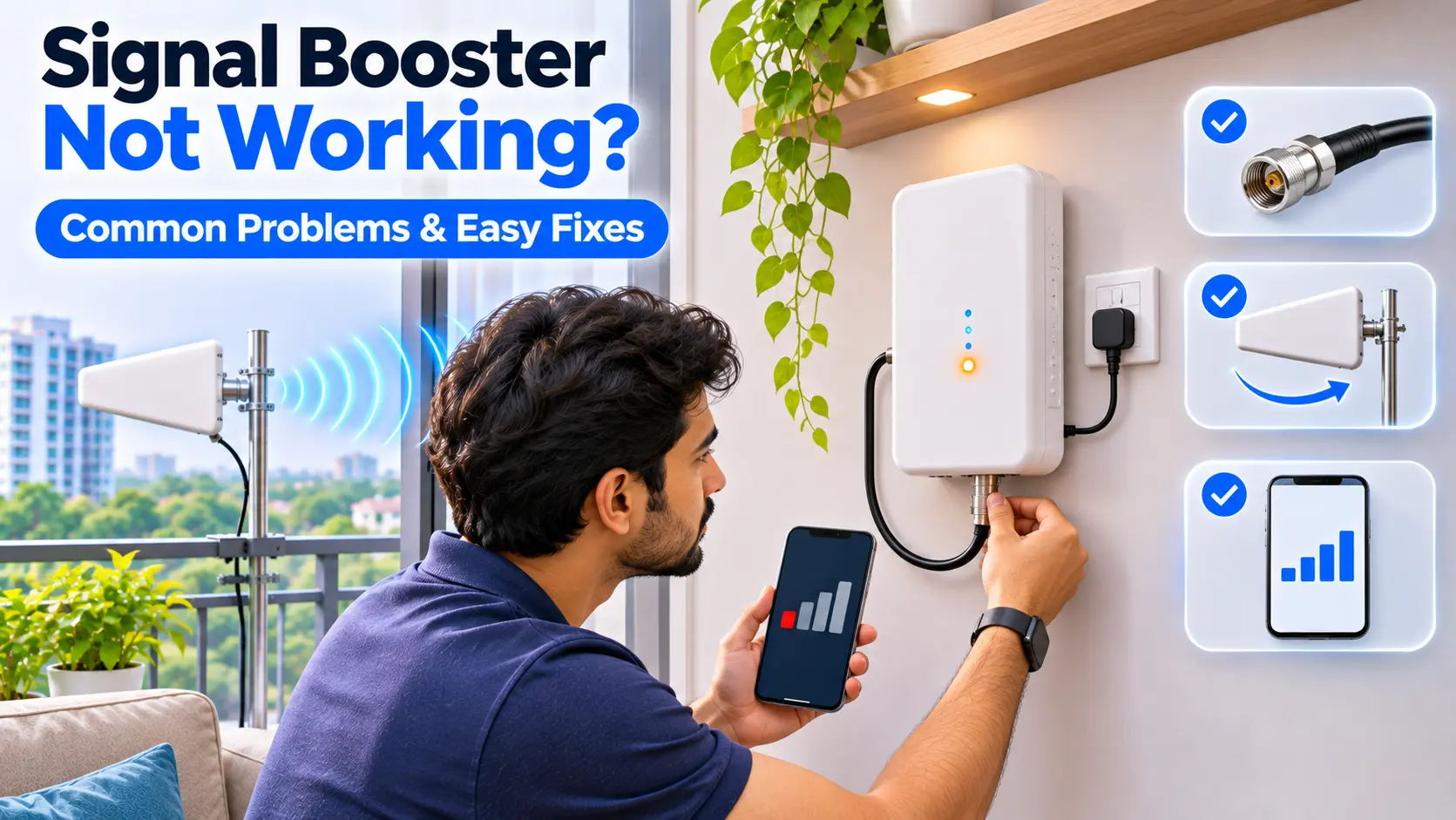
A signal booster is usually the most practical way to fix weak indoor signal, dropped calls and unstable mobile data. But sometimes it doesn’t work as expected after installation: the signal doesn’t improve, the lights flash red, the unit gets hot, or one network improves while another doesn’t.
This guide covers the most common signal booster problems, explains why each one happens and shows you how to fix it step by step. Most of these fixes take only a few minutes and basic tools.
How a Signal Booster System Works
Knowing the four parts of the system makes it much easier to find what’s wrong:
- Outdoor (donor) antenna: mounted on the roof, terrace, balcony or outer wall to pick up signal from the tower.
- Coaxial cable: carries the signal between the antennas and the booster.
- Booster unit: amplifies the signal coming from the tower and the signal going back from your phone.
- Indoor (service) antenna: a dome or panel antenna inside that sends the boosted signal to your phones.
When everything is connected, aimed and spaced correctly, the booster works as a two-way bridge between your phones and the tower. When one part is wrong, performance drops.
Problem 1: No Signal Improvement
You switch on the booster, but phones inside show no extra signal and calls sound the same.
Common causes
- Outdoor antenna aimed the wrong way: a directional (Yagi or log-periodic) antenna must point toward your operator’s tower. Aimed at a building, hill or empty sky, it picks up little signal.
- Too little signal outside: a booster amplifies existing signal; it can’t create signal. If the outdoor antenna spot has almost no signal, there’s nothing to boost.
- Cables swapped: the outdoor antenna cable is connected to the indoor port, or the other way round.
- Damaged or loose cable: crushed or kinked cable, water in a connector, or a loose connector blocks the signal.
How to fix it
- Check the ports: the outdoor antenna cable goes to the port marked “Outdoor”, “Donor” or “BTS”; the indoor antenna goes to “Indoor”, “Server” or “MS”. Hand-tighten every connector.
- Measure the outdoor signal: take your phone to where the outdoor antenna is mounted and check signal strength in dBm. Our guide on how to check mobile network strength shows how. On 4G, -80 dBm or better is strong, and worse than -105 dBm is weak and limits what the booster can do.
- Re-aim the outdoor antenna: turn it 15 to 20 degrees at a time, waiting a minute after each turn and checking the signal on a phone inside, until you find the best direction.
- Inspect the cable: follow the whole cable for sharp bends, crushed sections, cuts or water in the connectors, and replace damaged sections.
Problem 2: Red or Amber Lights (Oscillation)
Oscillation happens when the indoor antenna’s signal reaches the outdoor antenna and gets amplified again in a loop, like a microphone squealing next to a speaker. Most boosters detect this and lower their power or switch off to avoid disturbing the network, often showing red or amber lights. Light colours vary between models, so check your kit’s manual.
Common causes
- Antennas too close: not enough distance between the outdoor and indoor antennas.
- Antennas “see” each other: nothing solid between them, for example through an open window, glass door or skylight.
- Gain too high: the booster’s gain is set too high for the distance between the antennas.
How to fix it
- Increase the distance: keep the antennas at least 6 to 10 metres (20 to 30 feet) apart. Raising the outdoor antenna higher on a pole is often the easiest way.
- Put something solid between them: a concrete slab, roof or brick wall blocks the loop. In a flat, keep the outdoor antenna on the balcony and the indoor antenna in a room on the far side.
- Point them away from each other: the indoor antenna should never face the outdoor antenna or a window near it.
- Lower the gain: if your booster has a gain control, turn it down a step at a time until the warning light clears.
- Restart the booster: after making changes, unplug it for 10 seconds and plug it back in so it can reset.
Problem 3: Only One Network Improved
In homes and offices with people on different networks (Jio, Airtel, Vi, BSNL), one network often improves while another doesn’t.
Common causes
- Band mismatch: each operator uses different frequency bands, and a booster only amplifies the bands it supports. For example, a 900 MHz-only booster won’t help Jio, which doesn’t use 900 MHz.
- Towers in different directions: a directional antenna pointed at one operator’s tower may miss another operator’s tower in a different direction.
- Different outdoor signal: one network may be strong outside (-70 dBm) while another is weak (-102 dBm) at the same spot. The booster can only improve each one in proportion.
How to fix it
- Check the bands: find which bands each operator uses near you and confirm your booster supports them. Our Jio, Airtel, Vi and BSNL frequency bands guide lists them.
- Adjust the antenna: find a direction that gives acceptable signal for both operators, or use an omnidirectional antenna if signal outside is fair from several directions.
- Check phone settings: set phones to automatic network mode (for example 4G/5G auto) so they can use the boosted band.
Problem 4: Booster Gets Hot or Keeps Switching Off
Boosters get warm during normal use. If the unit is too hot to touch or keeps switching off, something is wrong.
Common causes
- Poor ventilation: the booster is inside a closed cabinet, in a false ceiling without airflow, or in direct sunlight.
- Constant oscillation: a booster fighting a feedback loop works hard all the time and runs hotter.
- Very strong outdoor signal: an outdoor antenna aimed straight at a nearby tower can overload the booster, which then keeps cutting its power and may switch off.
- Wrong power adapter: an adapter with the wrong voltage or current can overheat the unit.
How to fix it
- Improve airflow: mount the booster on a wall in a cool, dry, ventilated spot away from sunlight and heaters, with some open space around it.
- Fix any oscillation: follow the steps in Problem 2.
- Reduce overload: if a tower is very close, turn the outdoor antenna slightly away from it or lower the gain.
- Use the original adapter: only use the power adapter that came with the kit.
Problem 5: It Worked Before but Has Stopped
If the booster worked well for weeks or months and then stopped, something has usually changed.
- Antenna moved: strong wind, heavy rain or someone working on the roof can knock the outdoor antenna out of alignment. Check its direction and re-aim it.
- Water in the connectors: after the monsoon or heavy rain, check outdoor connectors for moisture or rust. Dry or replace them and re-seal with weatherproof tape.
- Loose or damaged cable: look for cables crushed by doors or windows, chewed by pests or pulled loose.
- Power problem: check the adapter and socket. If the booster shows no lights at all, try another socket.
- Network changes: operators sometimes change bands or move equipment between towers. Measure the outdoor signal again and check that your booster still supports the band your phone now uses.
Problem 6: Full Bars, but Calls Drop or Data Doesn’t Work
Signal bars show signal strength, not quality. If the outdoor antenna picks up a noisy signal, mixed with interference from other towers, the booster amplifies the noise too. Phones show full bars, but calls drop and data stalls. Re-aim the outdoor antenna toward a single tower to get a cleaner signal, even if it is slightly weaker.
Problem 7: No 5G After Installing a Booster
Most home boosters are built for 4G bands. 5G in India mainly uses 3500 MHz, which a 4G booster doesn’t amplify, so your phone will use boosted 4G indoors instead. That’s fine for calls and most data use. If you need 5G indoors, you need a booster built for 5G bands. See our 4G vs 5G signal booster guide.
Quick Troubleshooting Table
| What you see | Likely cause | What to do |
|---|---|---|
| No change in indoor signal | Antenna aimed wrong, cables swapped or loose | Check ports, tighten connectors, re-aim the outdoor antenna |
| Red or amber lights | Oscillation (antennas too close) | Move antennas 6–10 m apart with a wall or slab between, lower the gain |
| One network improves, another doesn’t | Band not supported or tower in another direction | Check bands, adjust antenna direction or use a multi-band booster |
| Unit very hot or switches off | Poor airflow, oscillation or overload | Move to a ventilated spot, fix oscillation, turn antenna slightly off the tower |
| Worked before, stopped now | Antenna moved, water in connectors, cable or power fault | Re-aim antenna, dry and re-seal connectors, check cable and adapter |
| Full bars, but calls drop | Noisy signal (poor quality) | Re-aim the outdoor antenna at a single tower for a cleaner signal |
| No 5G indoors | 4G-only booster | Normal; use a 5G booster if you need 5G indoors |
What a Booster Can and Can’t Do
- It needs outdoor signal: with no usable signal outside, a booster has nothing to amplify.
- Speed depends on the network too: a stronger signal steadies calls and data, but speed also depends on tower capacity, congestion and your phone.
- Large spaces may need more antennas: thick inner walls block the boosted signal too. In bigger homes and offices, a splitter and extra indoor antennas spread coverage more evenly.
If your booster isn’t installed yet, or you want to redo it, follow our step-by-step guide on how to install a mobile signal booster. If your phone signal drops for other reasons, see why your phone signal keeps dropping.
When to Contact Support
Most problems can be fixed by re-aiming the antenna, tightening connectors or moving the antennas apart. Get help if:
- The booster shows no lights at all, even on a working socket.
- The warning light stays red after you’ve separated the antennas and lowered the gain.
- There’s visible damage, such as water inside connectors or a cracked unit.
- You need coverage across several floors, a basement or a large office, which may need more antennas and a planned layout.
Frequently Asked Questions
Why is my signal booster not working?
The most common reasons are swapped or loose cables, an outdoor antenna aimed away from the tower, antennas placed too close together (oscillation), too little signal outside, or a booster that doesn’t support your operator’s bands. Check these in that order.
Why does my phone show full bars but calls still drop?
Bars show signal strength, not quality. If the outdoor antenna picks up a noisy signal, the booster amplifies the noise too. Re-aim the outdoor antenna toward a single tower to get a cleaner signal.
Why are the lights on my booster red?
On most models, red means oscillation (the antennas are too close) or overload (the outdoor signal is too strong). Move the antennas further apart, add a wall between them, or turn the outdoor antenna slightly away from the tower. Check your kit’s manual for the exact meaning.
How far apart should the indoor and outdoor antennas be?
Aim for at least 6 to 10 metres (20 to 30 feet), ideally with a concrete slab, roof or wall between them. The exact distance depends on your booster’s gain.
My booster worked before. Why has it stopped?
Usually the outdoor antenna has moved, water has got into a connector, a cable is damaged, or the power adapter has failed. Less often, the operator has changed bands at your nearest tower.
Can a booster work with no signal outside?
No. A booster needs some usable outdoor signal to amplify. With none at all, WiFi calling is a better option.
Conclusion
Most signal booster problems come down to a few causes: wrong cable connections, a badly aimed outdoor antenna, antennas too close together, weak or noisy outdoor signal, or a band mismatch. Work through the checks in this guide one at a time, and in most cases you’ll have steady indoor signal again within minutes.